Demos
See loadr work
52 worked demos across 12 categories — every one backed by a real, runnable example. Pick a tile to see the full YAML, what to look for in the output, and the one command that runs it.
Compose visually
Build any plan on the canvas
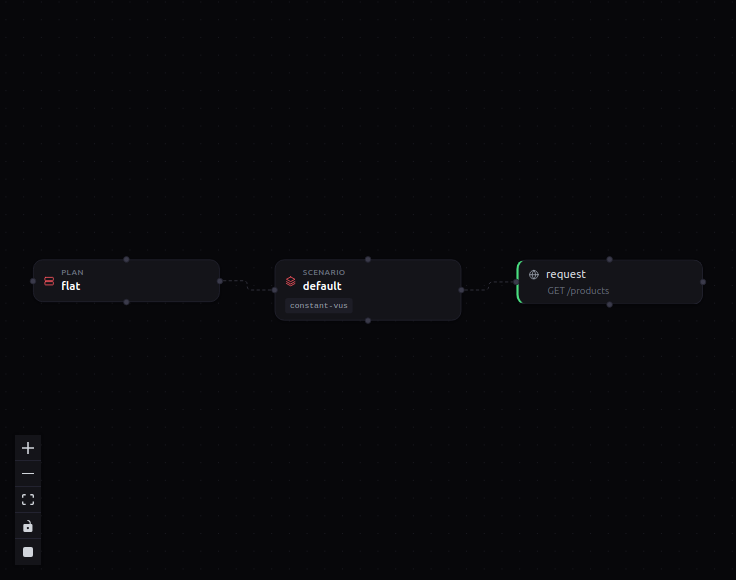
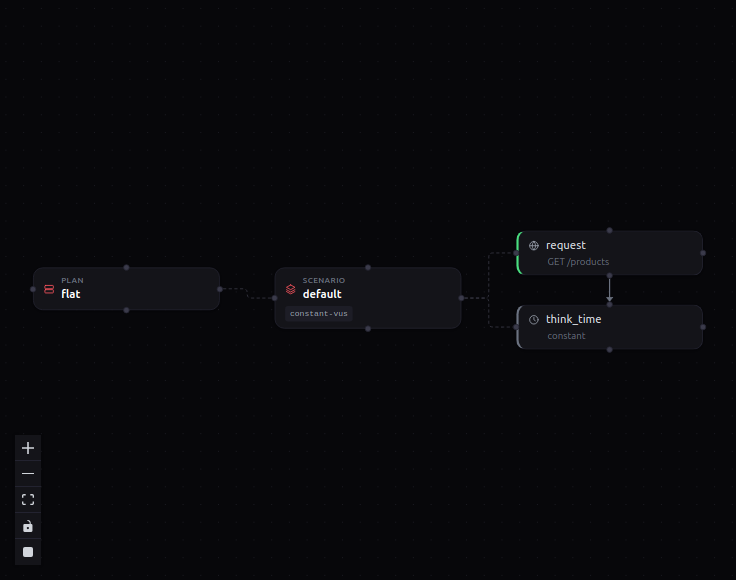
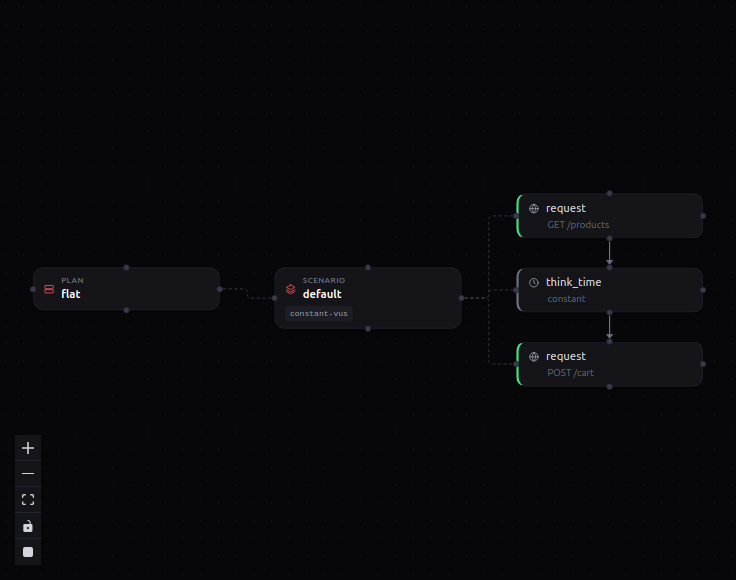
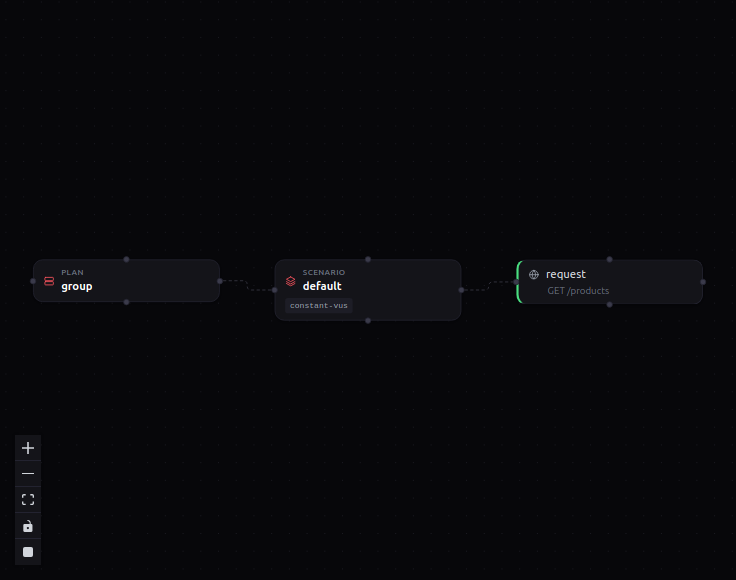
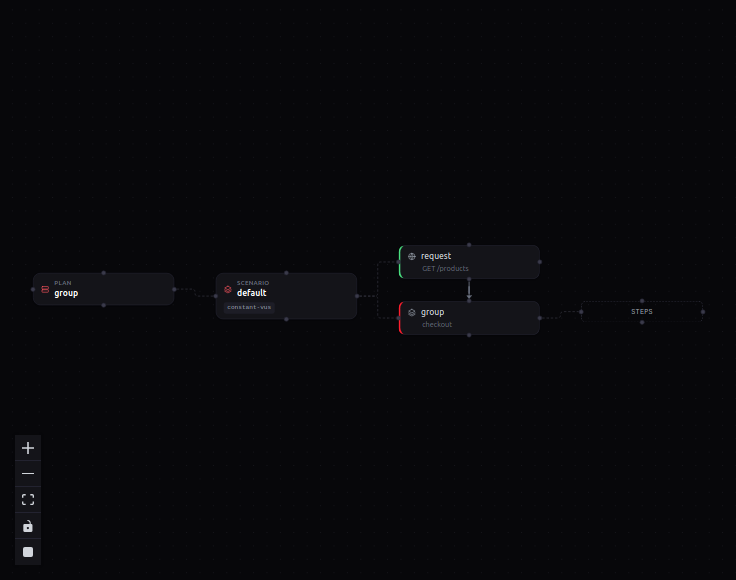
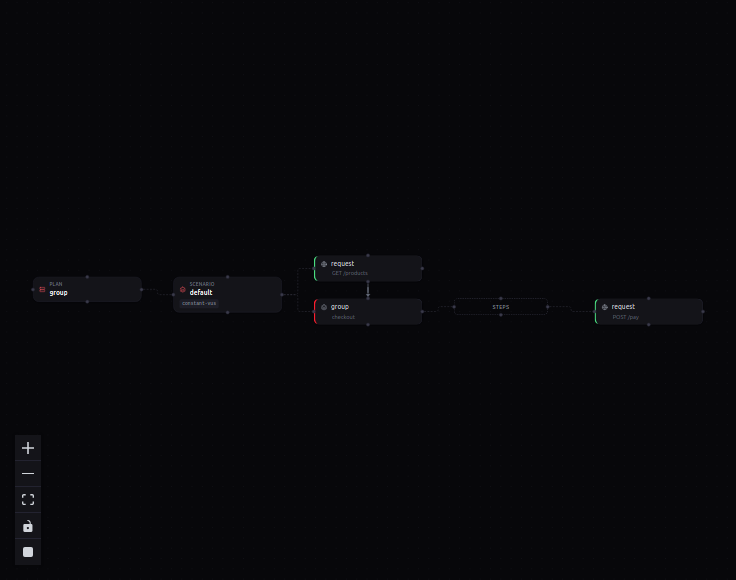
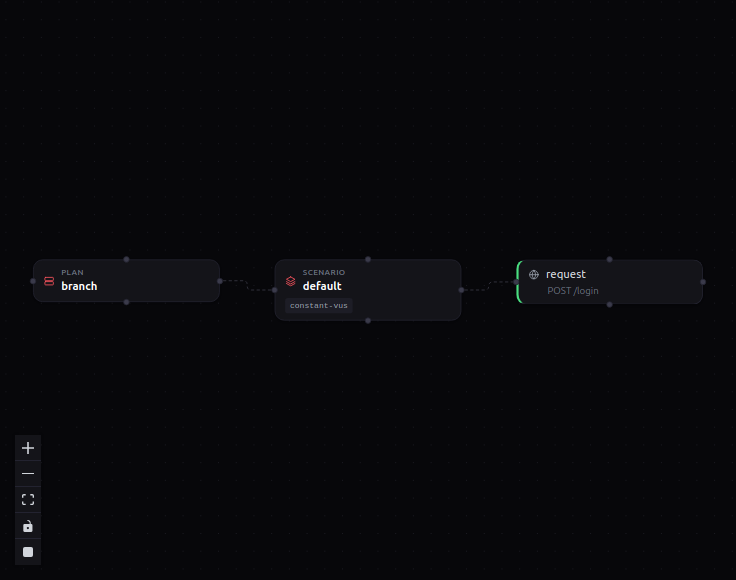
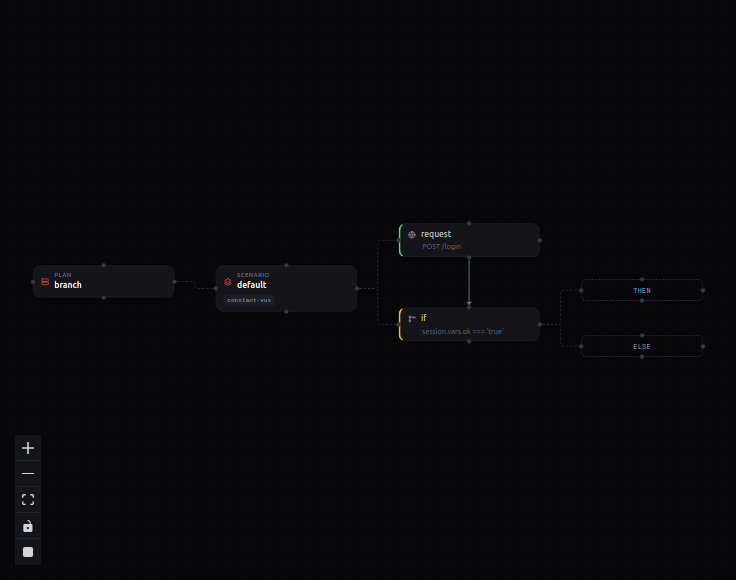
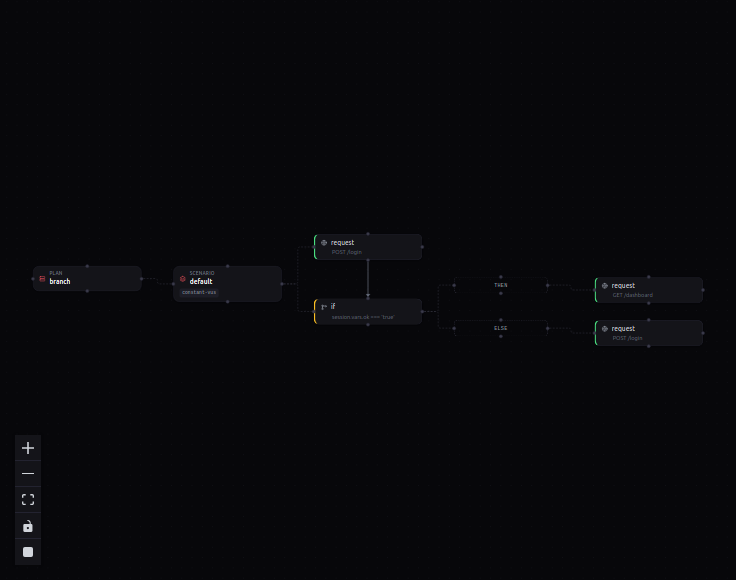
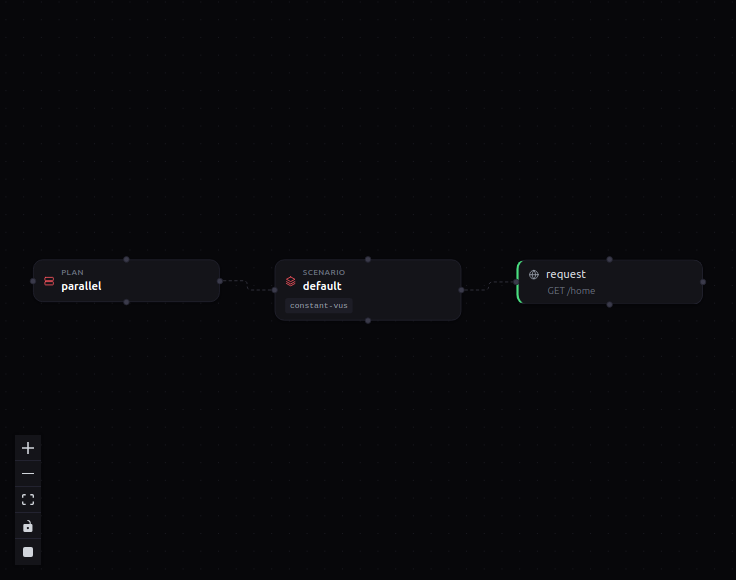
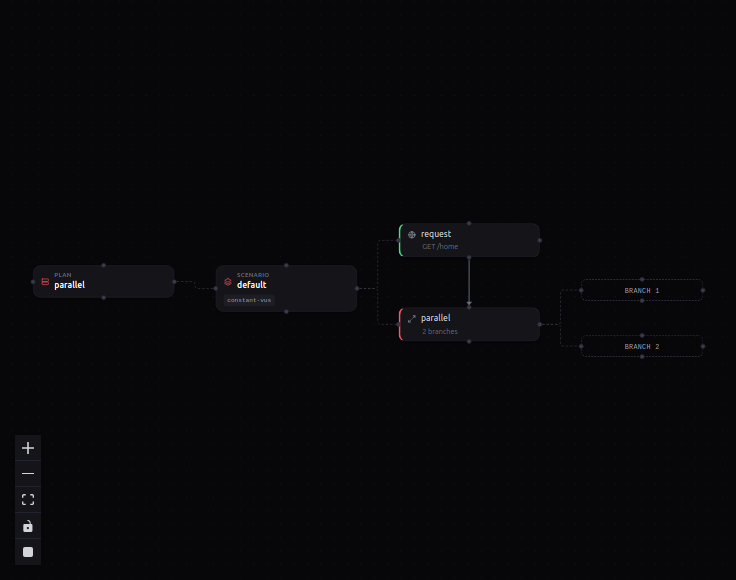
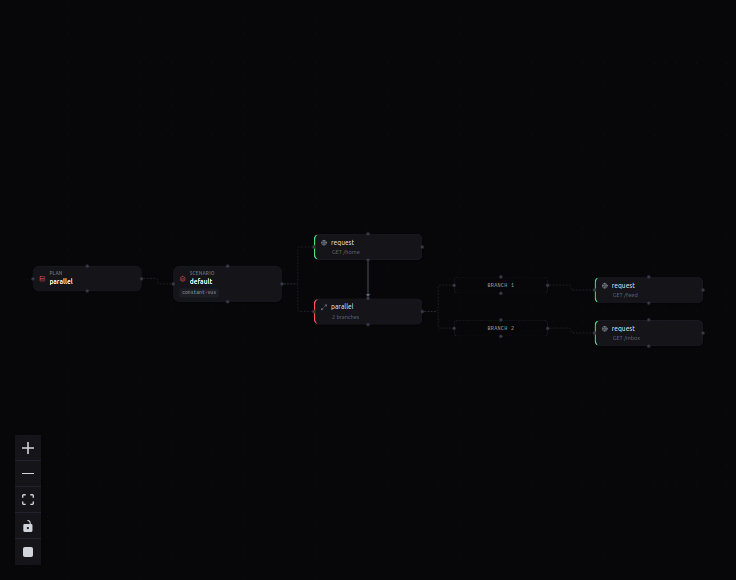
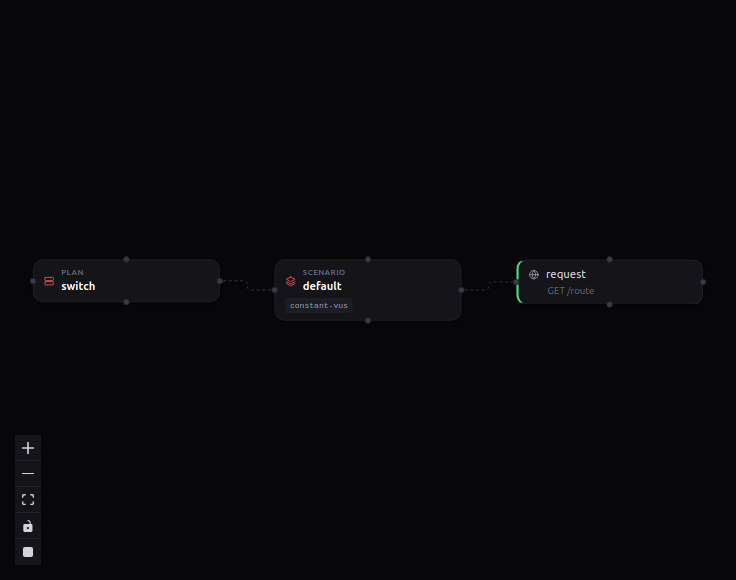
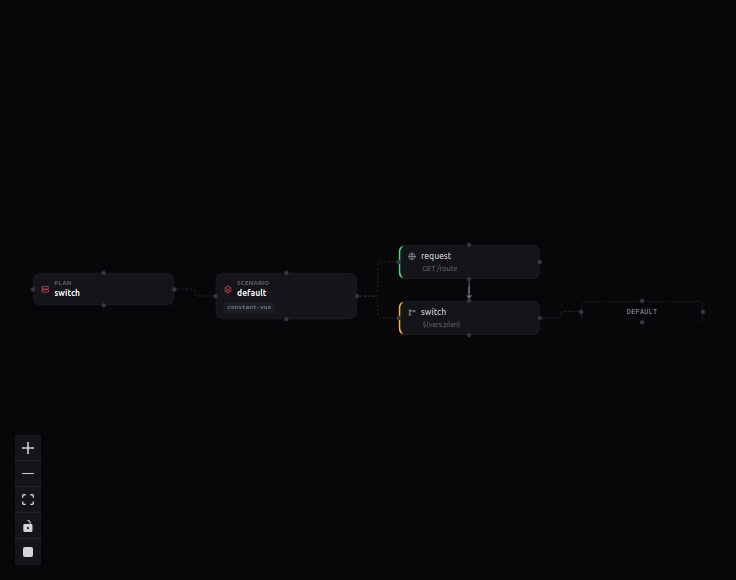
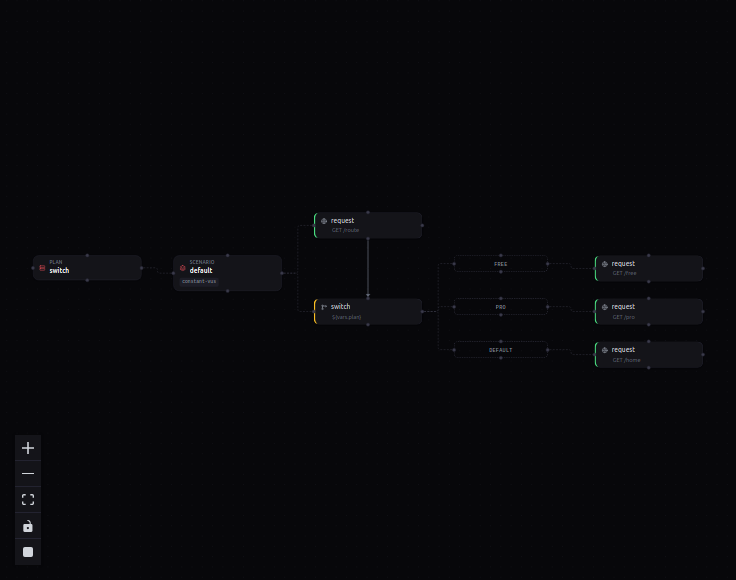
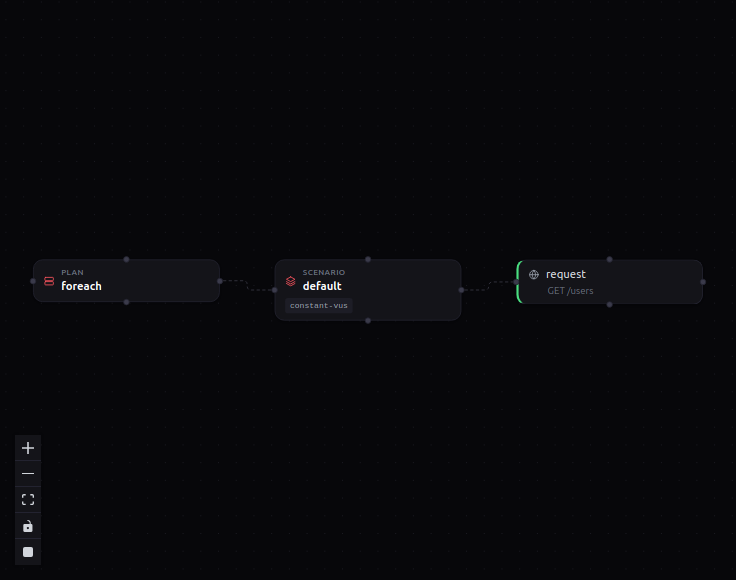
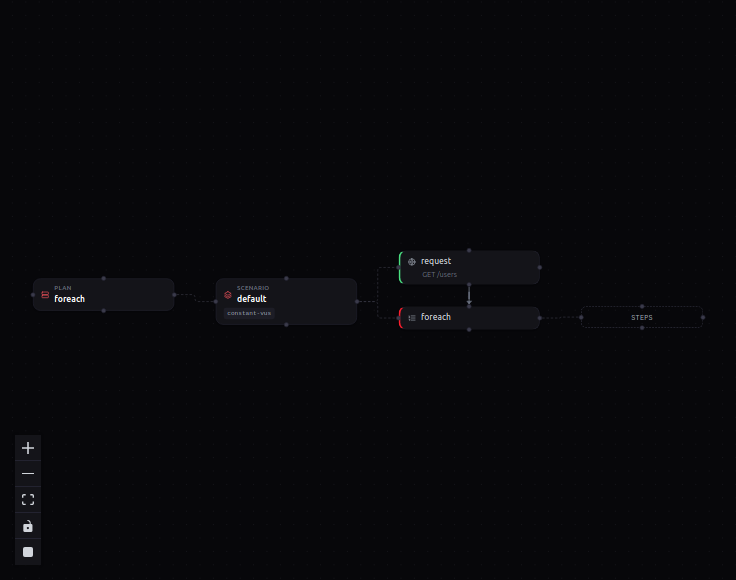
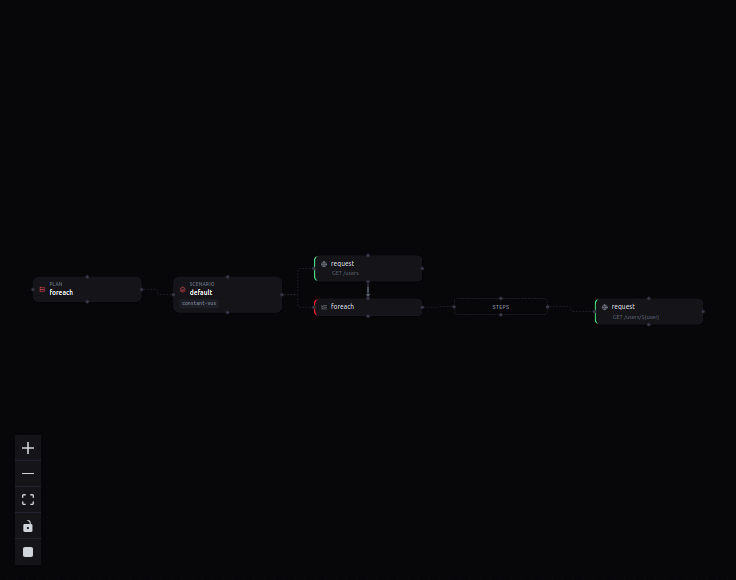
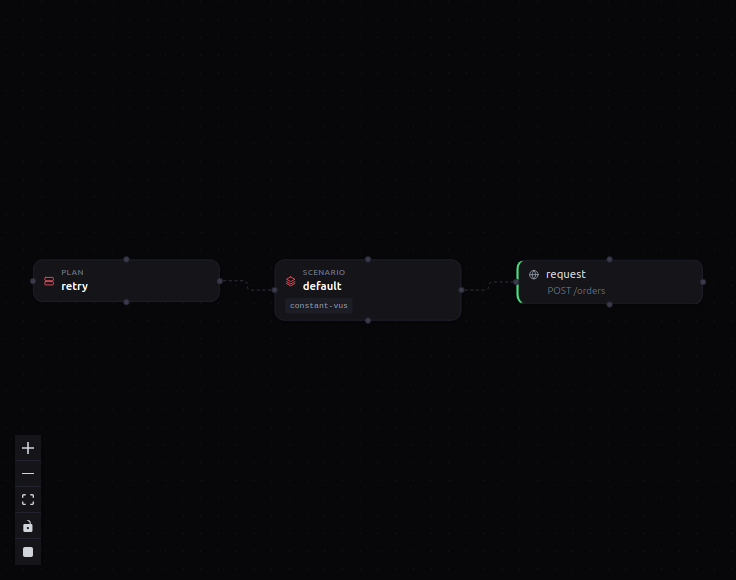
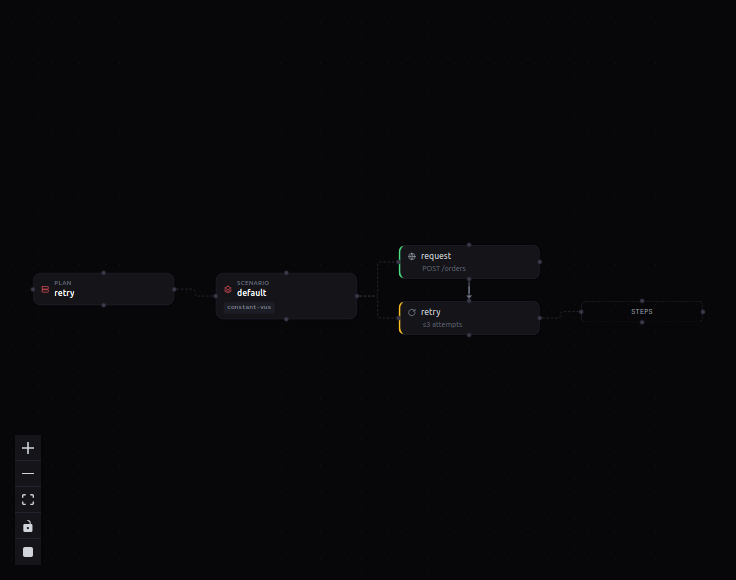
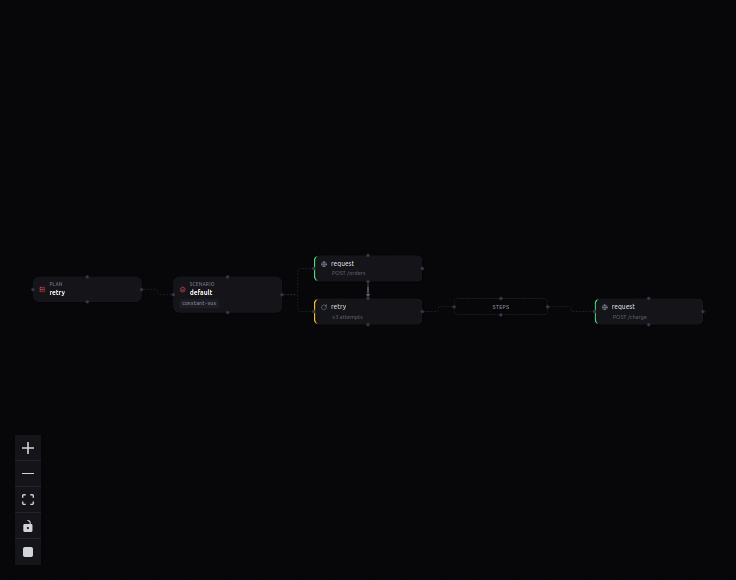
In loadr Desktop, drag steps onto a scenario and the plan takes shape as a node graph. Here are seven common shapes, built up one element at a time — step through each.
Load profiles
5 demosThe shapes of load — constant, ramping, arrival-rate, spike and soak.
The 30-second quickstart
01-quickstart.yaml10 VUs against one endpoint for 30s, with checks and a pass/fail threshold.
Ramping load
02-ramping-load.yamlClimb to 50 VUs, hold, ramp down — with human-like think time.
Open-model arrival rate
03-arrival-rate.yamlHold exactly 100 req/s regardless of how slowly the target responds.
Spike test
04-spike-test.yamlCalm baseline, sudden 10× spike, recovery — abort if errors explode.
Soak & outputs
14-outputs-and-soak.yamlHold steady for the long haul and stream metrics to a time-series store.
Traffic modelling
5 demosMake synthetic traffic look real — weighted mixes, feeders, correlation.
Weighted traffic mix
40-scenario-weights.yaml70% browse, 20% search, 10% checkout — one scenario, weighted branches.
Flow control & weighted tasks
16-flow-control.yamlLoops, conditionals, groups and weighted tasks inside a single flow.
Feeders & throttling
17-feeders-and-throttle.yamlFeed data from CSV/JSON per iteration and cap per-VU request rate.
Data-driven load
05-data-driven.yamlParameterise every request from a CSV/JSON dataset.
Correlation & extraction
06-correlation.yamlPull a token/id out of one response and feed it into the next.
Validation & CI
4 demosTurn a load test into a pass/fail gate your pipeline can trust.
Functional / smoke test
41-functional-test.yamlOne pass over a case table; fail the run on any failed assertion.
JMESPath & fused check-chains
25-check-chains.yamlChain extract-and-assert steps that short-circuit on the first miss.
Failure breakdown, by cause
26-failure-breakdown.yamlGroup failures by root cause instead of one undifferentiated error count.
Tags & per-route metrics
23-tags.yamlTag requests and scenarios to slice every metric by route or group.
Auth, sessions & uploads
4 demosTokens, cookies, multipart uploads and the deeper HTTP surface.
Per-VU auth tokens + refresh
36-auth-tokens.yamlEach VU mints its own token and silently refreshes it before expiry.
Cookie-based sessions
38-cookies-session.yamlA per-VU cookie jar carries a login session across the whole flow.
Multipart file uploads
37-file-uploads.yamlPOST a multipart/form-data body mixing literal fields with a file part.
Advanced HTTP
21-http-advanced.yamlRedirects, retries, timeouts, headers and body shapes in depth.
Protocols
8 demosEverything past HTTP — WebSocket, gRPC, GraphQL, SSE, SOAP, Twirp, browser.
WebSockets
09-websocket.yamlOpen a socket, send and receive frames, assert on messages.
gRPC
10-grpc.yamlUnary and streaming gRPC calls from a .proto, no codegen step.
GraphQL
11-graphql.yamlQueries and mutations with variables, over HTTP.
Raw TCP & UDP
12-tcp-udp.yamlSend bytes over a raw socket and match the response.
Server-Sent Events
18-sse.yamlSubscribe to an event stream and assert on events over time.
SOAP / XML
42-soap.yamlRaw SOAP envelope in, XPath extraction and assertions out.
Twirp RPC
43-twirp.yamlTwirp over HTTP/JSON — a call is just a POST, no codegen.
Browser (headless)
20-browser.yamlDrive a real headless browser page for front-end journeys.
Databases & messaging
7 demosDrive datastores and brokers at their native protocol via runtime plugins.
PostgreSQL
27-postgres.yamlParameterised SELECT / INSERT / UPDATE — the query is the request.
MongoDB
28-mongo.yamlinsert / find / update / aggregate — one operation per request.
MySQL
29-mysql.yamlOne query per request over the MySQL wire protocol.
Redis
30-redis.yamlSpeak RESP over TCP — SET, GET, INCR, EXPIRE, one command per request.
Apache Kafka
31-kafka.yamlProduce and fetch against a broker — pure Rust, no librdkafka.
RabbitMQ
32-rabbitmq.yamlPublish and consume over AMQP 0.9.1, declaring queues inline.
Elasticsearch
33-elasticsearch.yamlindex / get / search / bulk over the HTTP/JSON API.
Scripting & metrics
3 demosReach for JavaScript and custom metrics when YAML isn't enough.
JavaScript in the flow
08-javascript.yamlDrop into JS for logic the YAML doesn't cover — right inside a flow.
Custom metrics
39-custom-metrics.yamlDeclare counter / rate / trend / gauge metrics and emit from JS.
Lifecycle hooks
22-lifecycle.yamlsetup / teardown and per-VU init around the load.
Scale & operations
4 demosDistribute the load, target any environment, and report on it.
Distributed fleet
15-distributed.yamlOne controller fans a single plan out across many agents.
Environments
13-environments.yamlOne plan, many targets — swap base URLs and secrets per environment.
Scenarios & groups
07-scenarios-and-groups.yamlRun several named scenarios at once and roll requests into groups.
Time-series HTML report
24-timeseries-report.yamlA self-contained HTML report with the whole run's curves.
Ops integrations
3 demosWire loadr into Prometheus/Grafana, CI/CD and Kubernetes.
Prometheus + Grafana
prometheus-grafana/loadr.yamlStream metrics to Prometheus and watch the run in a ready-made dashboard.
CI/CD performance gate
cicd/perf-smoke.yamlA perf smoke test wired into GitHub Actions that fails the build on regression.
Kubernetes
k8s/run-job.yamlRun the controller + agent fleet as a Kubernetes Job.
Adopt loadr
3 demosBring existing k6/JMeter tests across and drive loadr from the live Web UI.
Import from k6 & JMeter
loadr convert k6-script.js -o plan.yamlConvert an existing k6 script or JMeter .jmx into a loadr plan.
The live Web UI
loadr run examples/01-quickstart.yaml --uiDrive a run from the browser and watch percentiles, throughput and errors live.
The agent fleet, in the UI
loadr run examples/15-distributed.yaml --uiWatch a distributed controller + agents drive one run from the Web UI.
Extending loadr
2 demosShip your own protocols and outputs as plugins.
Run any of these yourself
Grab the single binary, clone the examples, and run any demo verbatim. No agents, no runtime, no account.